
How it works
Three steps to a morning you can't sleep through.
-
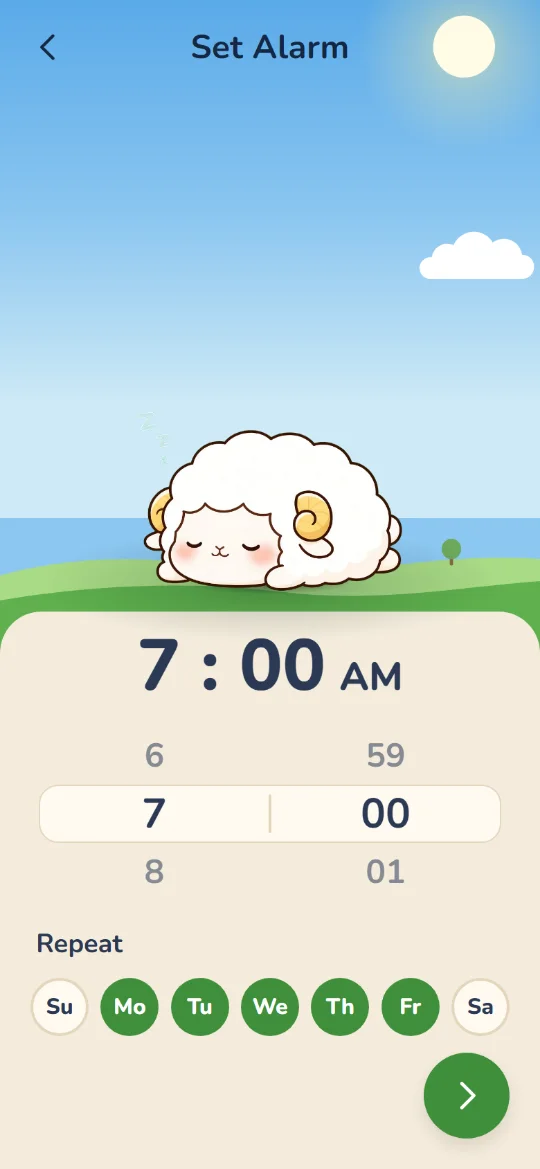
1 Set it
Pick a wake-up time. Fluff rings loud, even through silent mode and Focus.
-
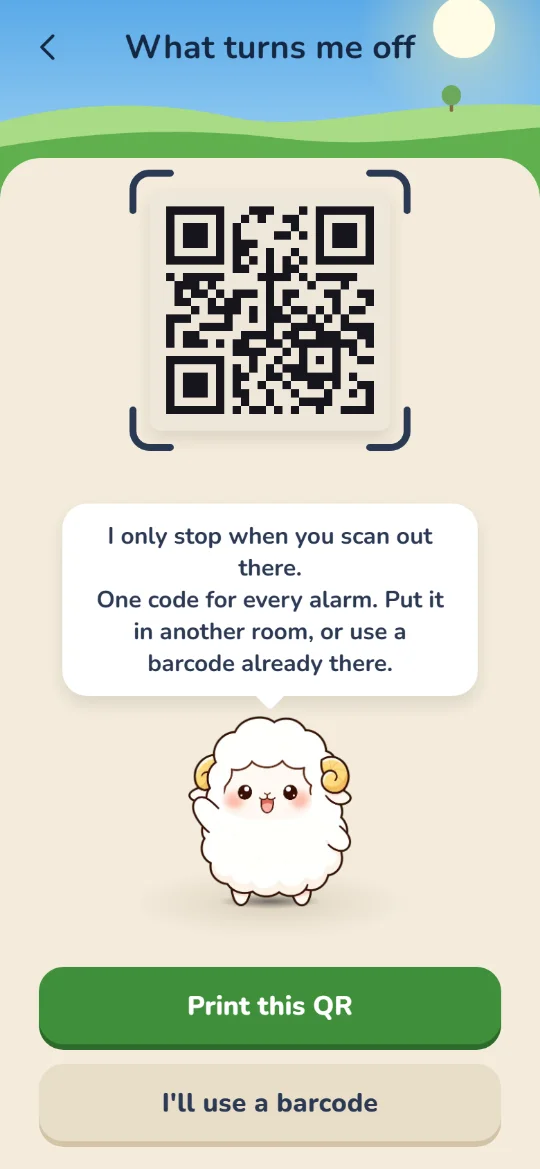
2 Tape it
Print the QR code Fluff makes and tape it up in another room. No printer? Scan a barcode that already lives there, like your toothpaste or the coffee bag.
-
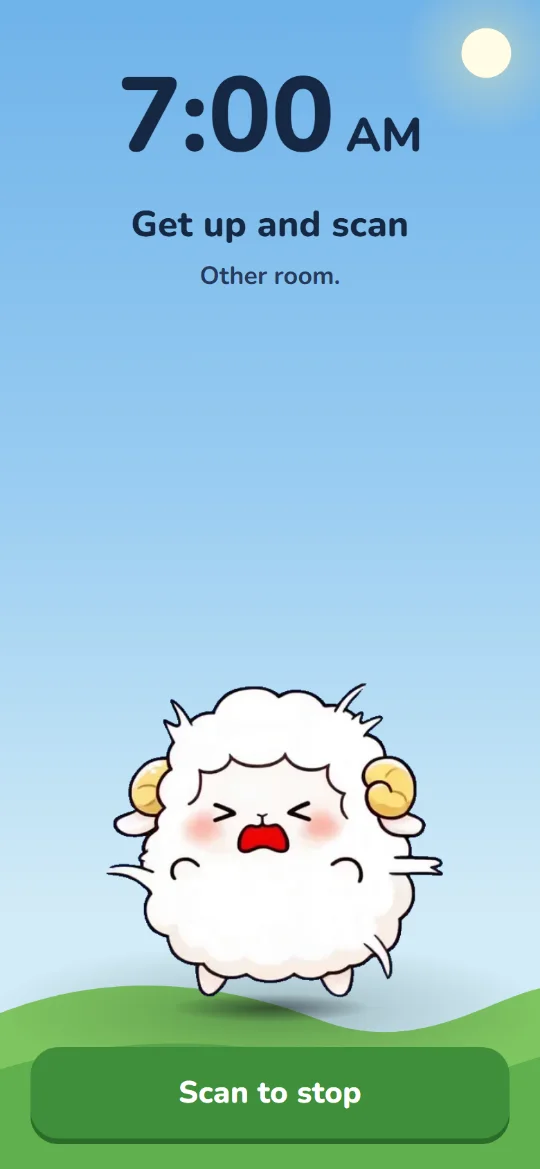
3 Walk to stop it
Turning it off from bed doesn't count. Fluff rings again until you get up, walk over, and scan that same code.
Why it works
Snooze lives in bed. Fluff doesn't.
Every alarm you've owned can be silenced without opening your eyes. Fluff can't. By the time you've walked to the bathroom and found the toothpaste, you're up.
- No snooze button. Nothing to tap from under the covers, and stopping it from the lock screen just brings it back.
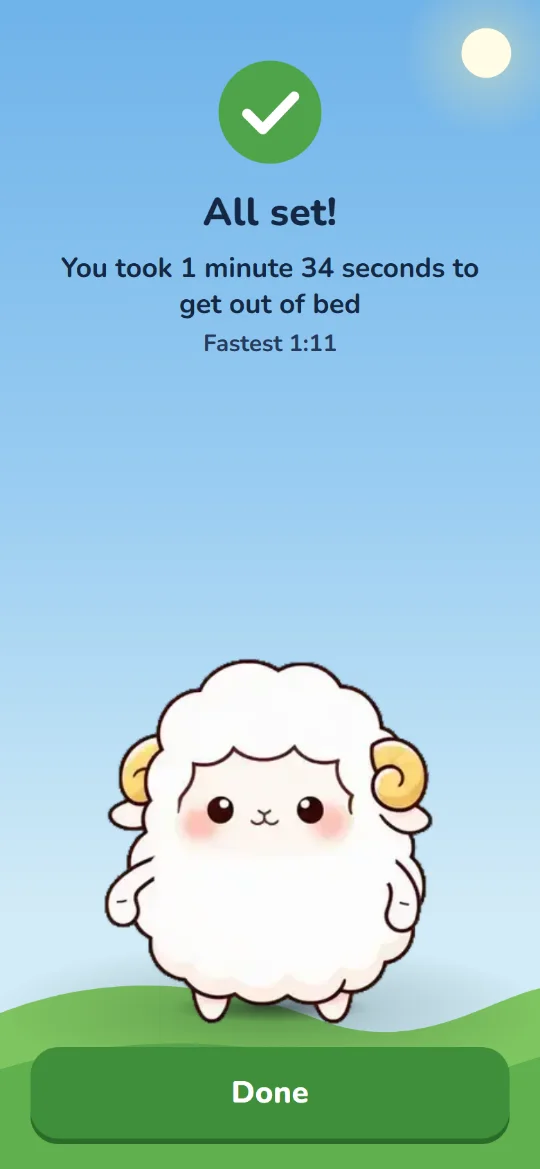
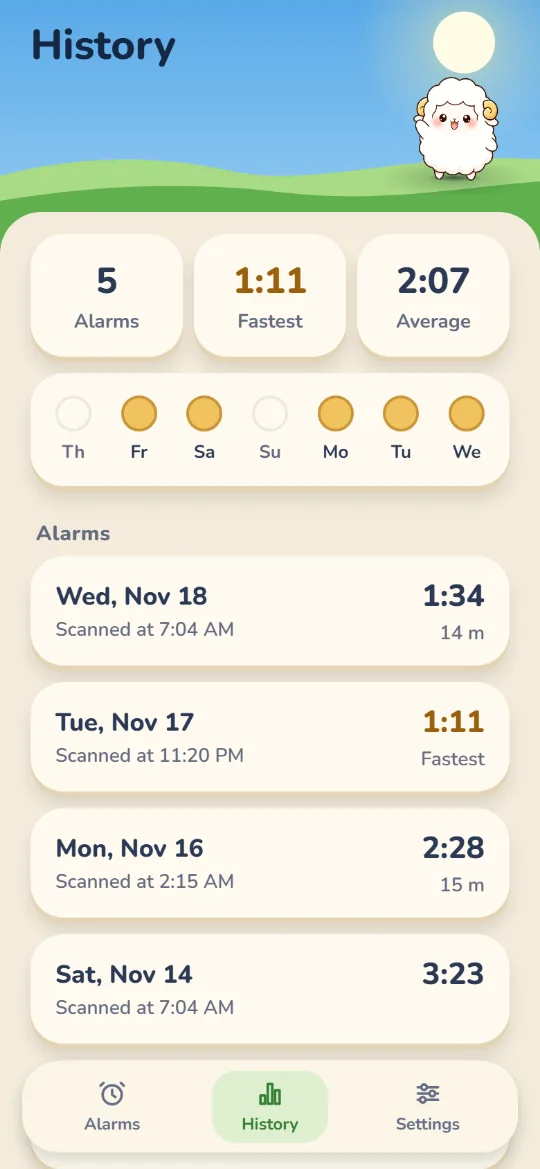
- Every morning gets a time. See how long it took from the ring to the scan, your fastest walk, and your week.
- Your mornings stay yours. No account, no ads, no tracking. Your alarms and walk times stay on your iPhone.
Questions
Before you ask.
Can't I just turn it off from bed?
Your iPhone still shows its usual stop button, but that doesn't finish a Fluff alarm. Fluff rings again until the code you saved is scanned.
Do I need a printer?
No. Any barcode already in the room works: toothpaste, shampoo, a coffee bag, a cereal box. If you'd rather use a QR code, Fluff makes one for you to print and tape up.
Will it ring if my phone is on silent?
Yes. Fluff uses Apple's AlarmKit, so it rings through silent mode and Focus, like the built-in Clock alarm.
What does Fluff know about me?
Very little. There's no account. Your alarms, your code and your walk times stay on your iPhone. The privacy policy has the details.
When can I get it?
Fluff is coming to iPhone on iOS 26. Join the waiting list and we'll email you once, when it's on the App Store.
Fluff is still asleep.
Be first when it wakes up. We'll email you once, when it's on the App Store.
Join the waiting list